How to Decorate Around a TV
Learning how to decorate around a TV helps you blend a high-tech focal point into your home’s design. By balancing the screen with art, texture, and light, you stop the display from dominating the room.
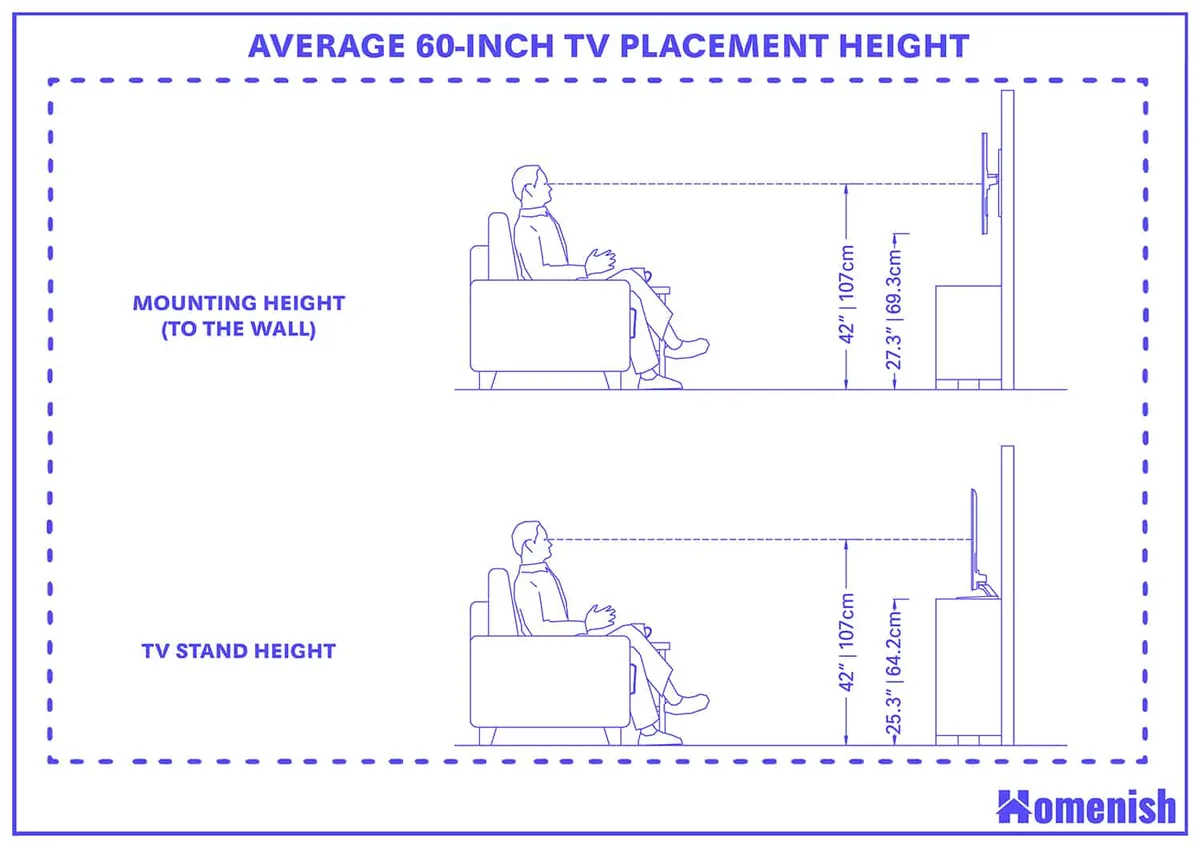
Standard viewing practices recommend mounting the center of your screen at 42 inches from the floor for optimal comfort, as of 2026. This height provides a stable baseline for layering surrounding decor to create visual harmony.
Quick Answer
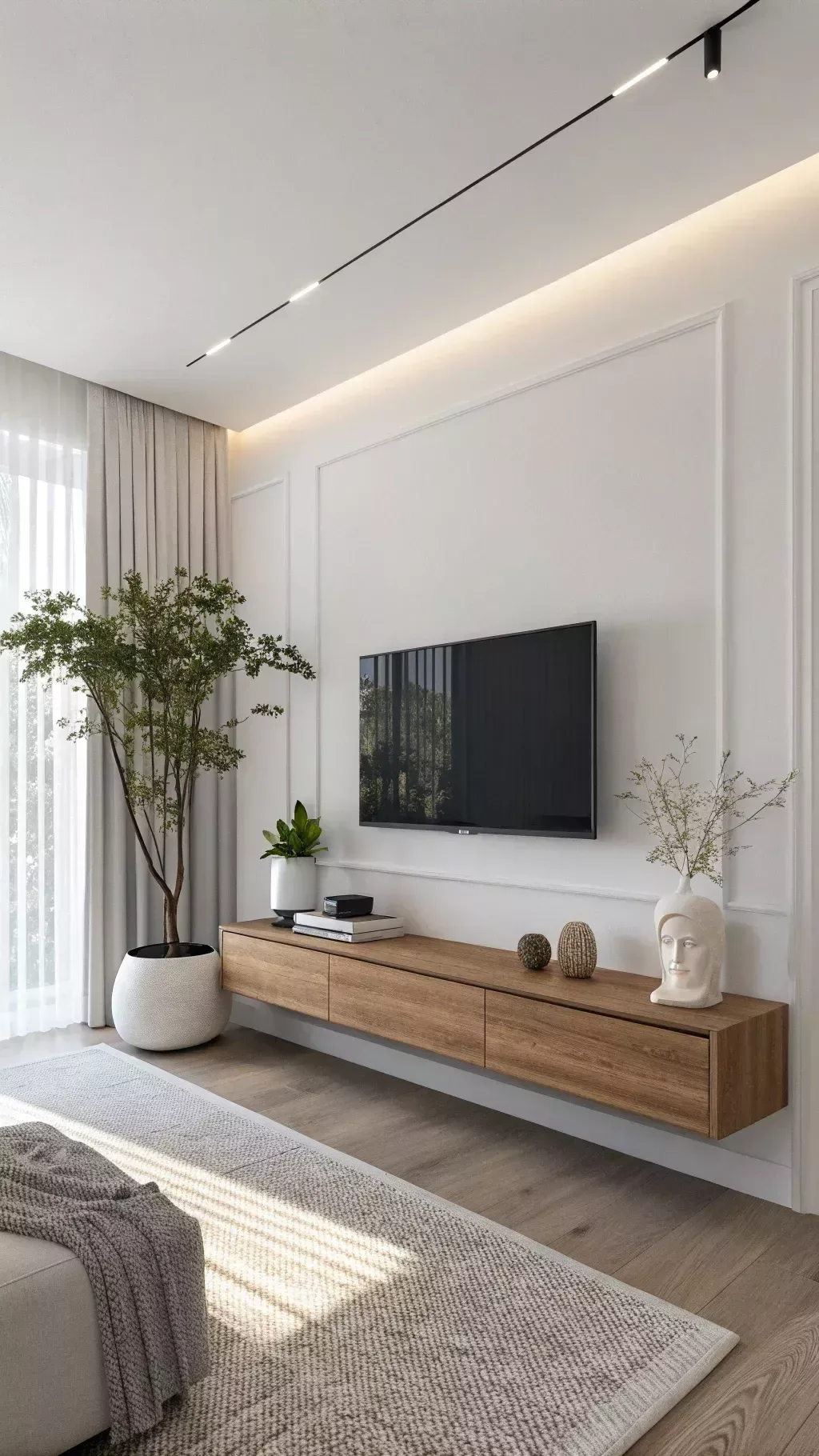
Decorate around a TV by balancing its size with wall art. Use dark paint to minimize the black screen's visual impact. Incorporate floating shelves for texture and personal items.
Align your decor symmetrically to create a cohesive focal point. Proper lighting prevents glare and reduces daily eye strain.
The Psychology of Screen Placement: Why Your TV Needs a Room, Not Just a Wall
Your television acts as a gravitational pull in any living space. Because modern screens are essentially large, glossy black rectangles, they command immediate attention. When a TV sits alone on a blank wall, it creates a visual vacuum that makes the rest of your furniture feel secondary.
Successful room design requires you to treat the TV as a member of a larger composition. Think of the wall as a canvas where you must distribute visual weight. If one side of the wall feels heavier than the other, the room will naturally feel off-balance.
Research in spatial ergonomics suggests that our eyes prefer balanced compositions to reduce cognitive fatigue. By adding secondary objects like shelving, artwork, or plants, you guide the eye across the entire wall. This prevents the "black hole" effect where the screen becomes the only visible feature in the space.
The Visual Balancing Act: Managing Weight and Negative Space
Visual weight refers to how much a specific object draws the eye. A large television has extreme visual weight because of its size and dark surface. To balance this, you need to introduce other objects of similar visual importance.
Negative space is the empty area around your objects. You should not cover every inch of the wall. Using too much decor can lead to visual clutter, which makes a room feel smaller and more chaotic.
Use this checklist to manage your spatial balance:
- Rule of Thirds: Position smaller decor items at varying heights to create a natural flow.
- Scale Matters: Larger frames or tall plants provide the necessary weight to hold their own against a big screen.
- Color Matching: Use frames that match the color of your console or TV bezel to ground the setup.
- Breathing Room: Leave at least 6 to 10 inches of empty space between your TV and the nearest object to prevent a crowded look.
Selecting Your Framework: Gallery Walls, Built-ins, and Color Strategies
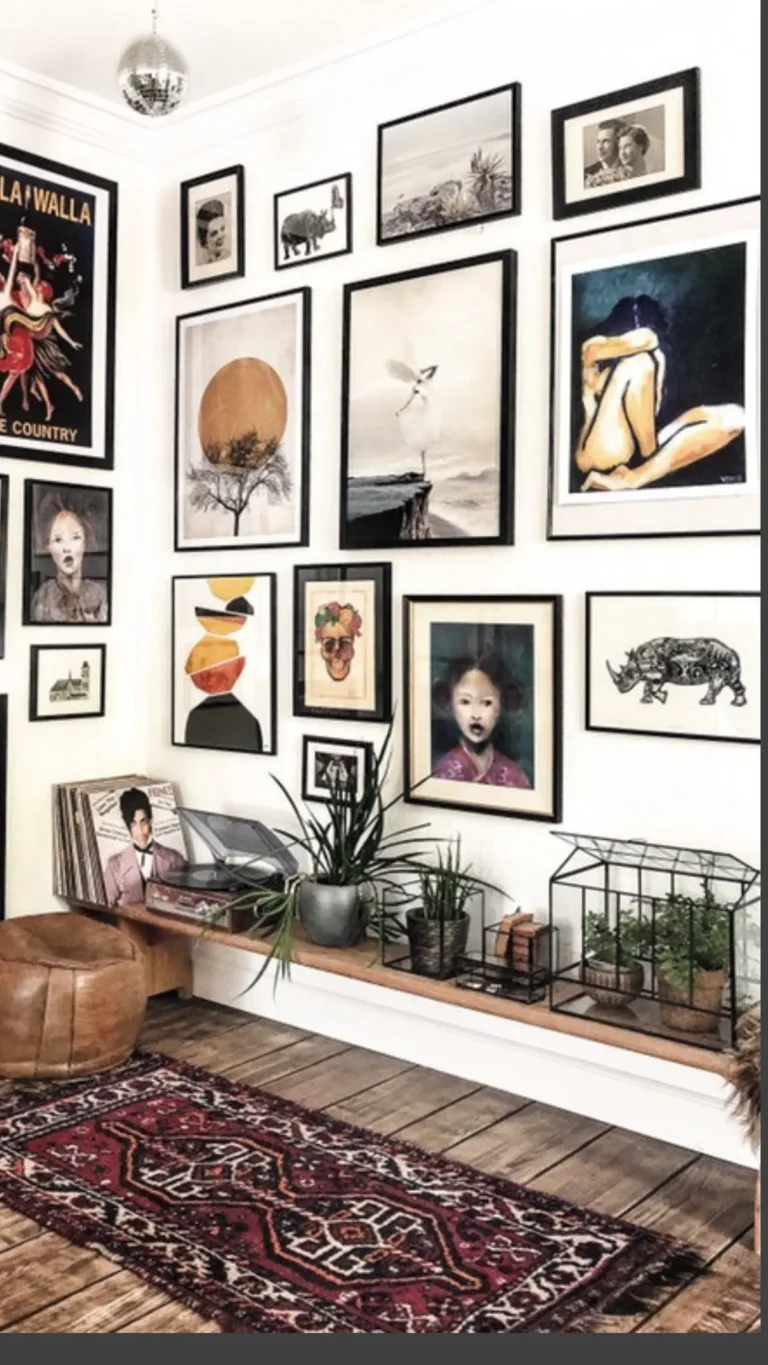
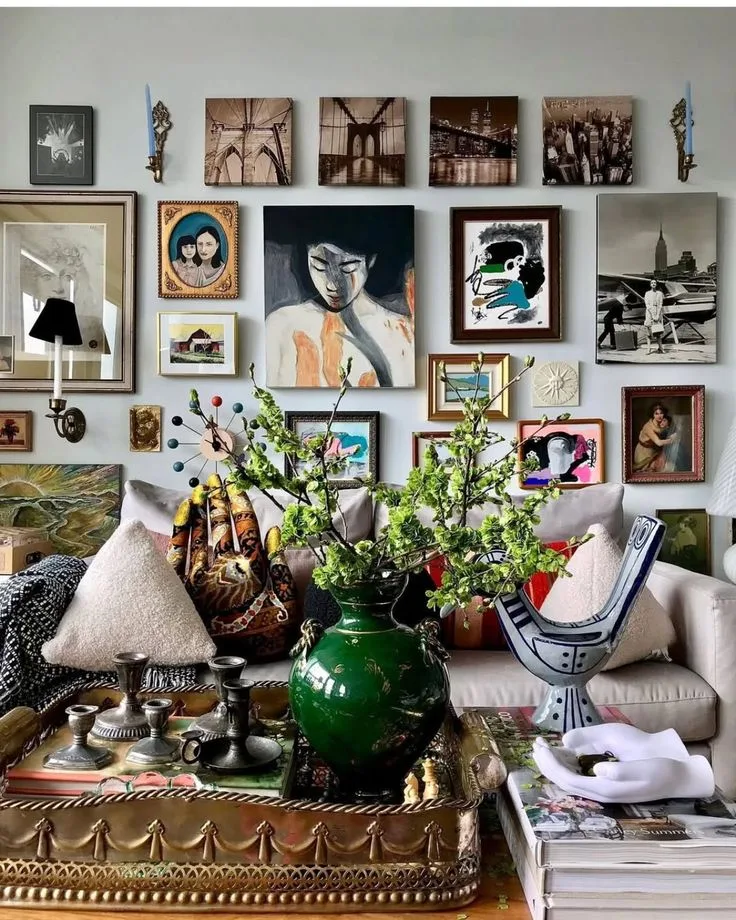
Choosing a framework depends on your architectural constraints and storage needs. A gallery wall is excellent for those who want a flexible, personal look. By surrounding the TV with framed prints, you break up the starkness of the screen.
Built-in cabinetry offers the most seamless integration. Custom joinery allows you to hide cords and store media components, which keeps the focus on the design rather than the technology. You can follow National Institute of Standards and Technology principles for interior ergonomics to ensure your storage height doesn't interfere with your viewing angles.
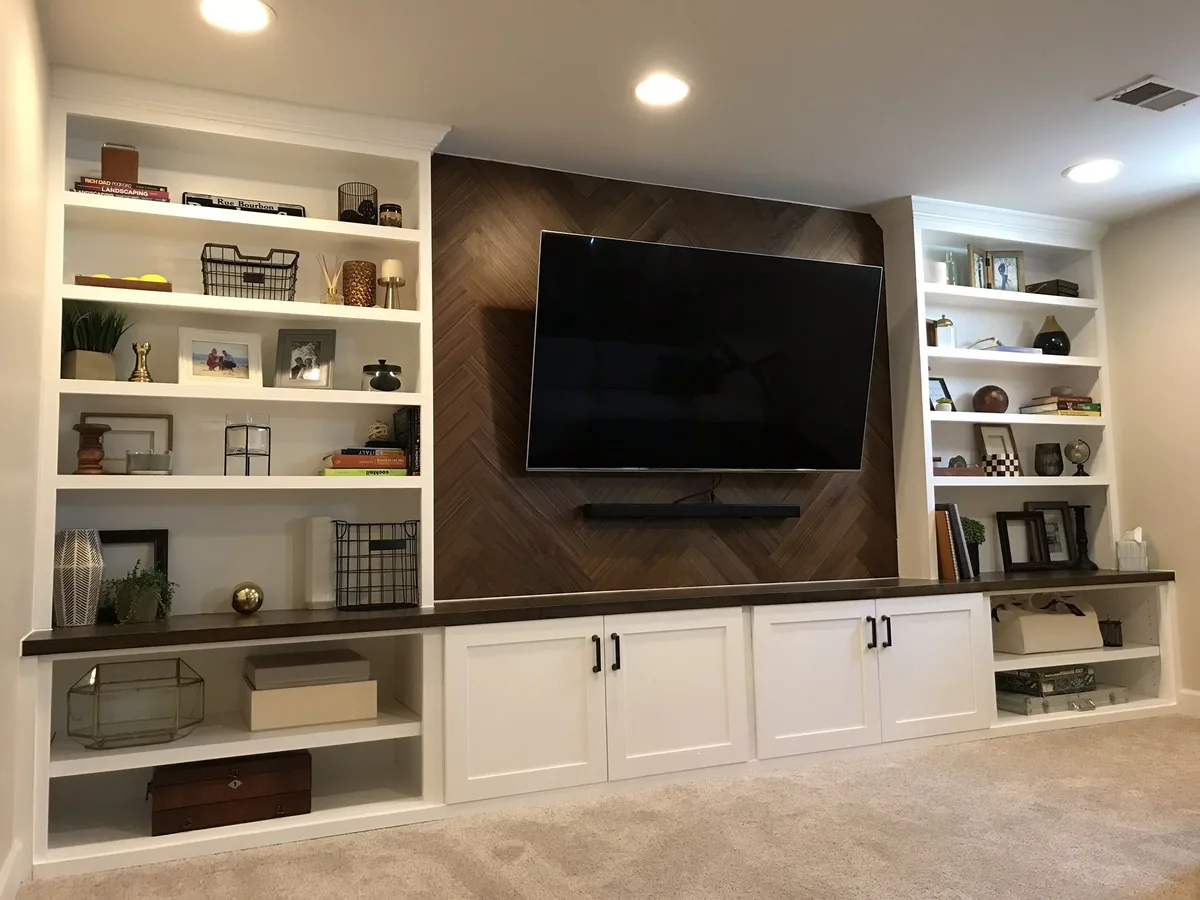
Consider these options based on your room's requirements:
| Strategy | Best For | Visual Impact |
|---|---|---|
| Gallery Wall | Eclectic, cozy spaces | High texture and interest |
| Custom Built-ins | Large living rooms | Seamless and organized |
| Dark Accent Wall | Media-focused rooms | Minimalist and moody |
| Floating Shelves | Small, modern apartments | Open and airy |
Technical Essentials: The Science of Eye-Level and Lighting
Placement is a technical decision as much as an aesthetic one. Mounting your TV too high forces your neck into an uncomfortable position. This is why professional installers stick to a center-screen height of 42 inches from the floor, though this adjusts if you have low-profile seating.
Lighting also plays a critical role in how your decor is perceived. Direct light hitting the screen causes glare, which forces your eyes to work harder to focus on the image. You should avoid placing lamps directly opposite the screen.
Use ambient light to soften the transition between the TV and the wall. Bias lighting is a popular choice for this. By placing an LED strip behind your television, you create a soft glow on the wall.
This reduces the contrast between the bright screen and the dark room, which effectively minimizes eye strain during long viewing sessions.
Avoiding the "Black Hole" Effect: Common Pitfalls in TV Decor
The most common mistake is creating a layout that competes with the screen while it is in use. If your decor is too bright or shiny, it will reflect light and distract you during a movie. Always opt for matte finishes on frames and surrounding decor.
Another pitfall is poor cable management. Nothing destroys a carefully curated wall faster than dangling, tangled wires. Use in-wall cord covers or sleek raceways to hide power lines.
This simple step makes your TV look like a permanent, polished feature of the home.
Finally, avoid over-styling the console beneath the TV. If you pack the media console with too many small, busy items, the area will look messy. Group items in sets of three, and keep the surface mostly clear to maintain a clean, high-end appearance.
Practical Design Strategies for Every Room Size
Adapting your layout depends heavily on the square footage available. In smaller apartments, you must prioritize verticality to keep the floor clear. Use narrow, floor-to-ceiling shelving units on either side of the screen to draw the eye upward, which makes the ceiling feel higher.
If you have a large, open-concept living space, you need the opposite approach. Use oversized furniture or large-scale wall art to anchor the television. Without these heavy elements, a standard 65-inch TV will look lost on a vast, expansive wall.
Consider the "zones" of your room when choosing a layout strategy:
- Compact Rooms: Use a low-profile media console combined with two slim vertical storage towers. This maximizes storage while keeping the footprint minimal.
- Large Rooms: Utilize a long, low sideboard that spans at least twice the width of the television. This creates a balanced, stable look that anchors the screen.
- Shared Spaces: If your living room doubles as a home office, use modular shelving that includes a desk segment. This keeps the TV from being the sole focus of your workspace.
Always measure your wall width before purchasing furniture. You want a 10 to 12-inch buffer on each side of the TV to prevent the setup from feeling boxed in. Proper spacing allows for visual flow and keeps the wall from feeling cramped or cluttered.
Frequently Asked Questions
How do I hide cables without damaging the drywall?
Use surface-mounted cable raceways that match your wall color. These channels stick to the surface with adhesive and allow you to tuck wires away neatly. They are easily removable if you are renting and cannot cut into the wall.
Can I hang art directly above the TV?
You can, but keep the distance between the top of the TV and the bottom of the art to at least 4 to 6 inches. This prevents the display from looking like it is touching the frame. Use small, understated pieces to avoid distracting the eye during viewing.
Does a TV always need to be centered on the wall?
It does not, especially if you have an off-center architectural feature like a fireplace or a large window. In these cases, you can create a balanced look by grouping decorative items on the larger side of the wall. This trick creates a sense of symmetry without needing perfect geometric alignment.
Is it safe to mount a TV over a radiator or heat source?
Avoid mounting your TV above any heat-generating appliance. Consistent heat buildup can damage the sensitive internal components and shorten the lifespan of your screen. Look for wall space that stays cool and dry year-round to protect your investment.
How do I manage reflections from windows?
Place your TV on a wall perpendicular to your windows rather than directly across from them. If you cannot change the position, use blackout curtains or shades to control the incoming light. Anti-glare screen protectors are also available, but controlling the light source is always the most effective fix.